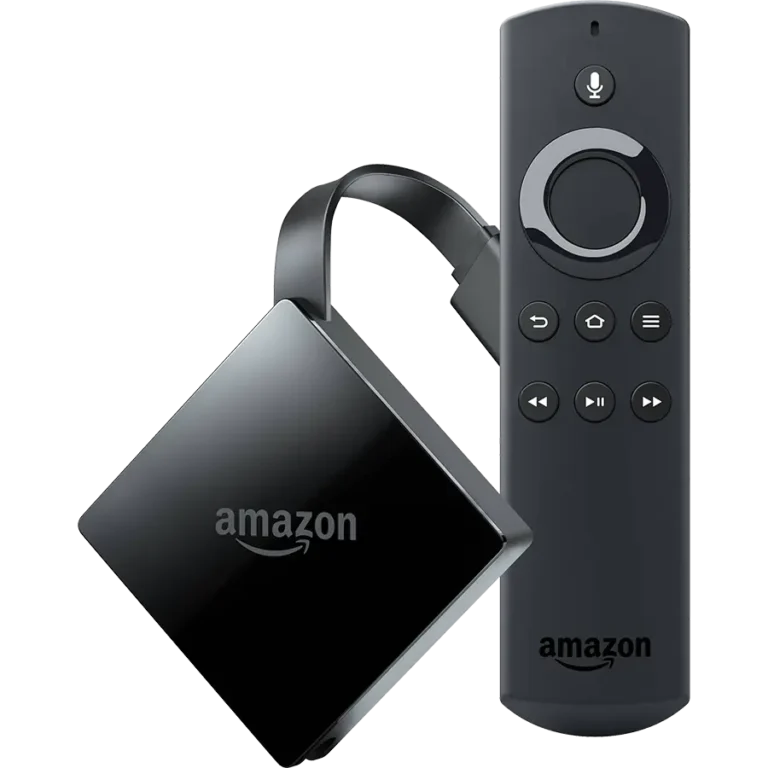

Welcome to Trendyscreen! To get the most out of our premium service, you need a high-performance player. Follow this step-by-step guide to get your Firestick up and running in less than 5 minutes.
Step 1: Enable Sideloading
Since high-performance players are professional third-party apps, you need to allow your Firestick to install them.
- Go to Settings > My Fire TV
- Select About
- Click on your Fire TV Stick name 7 times quickly until it says “You are now a developer.”
- Go back one screen and open Developer Options
- Turn ON “Apps from Unknown Sources” (specifically for the Downloader app)
Step 2: Install the “Downloader” App
- Search for the app Downloader on the Firestick home screen
- Install and open it
- When it asks for permissions, click Allow
Step 3: Download the Best Players for Trendyscreen
In the Downloader app search box, simply type one of the following Short Codes to start the automatic installation:
🟣 Option A: IPTV Smarters Pro — Best Free Player
The most recommended free player for Trendyscreen users. User-friendly and perfectly supports our full VOD library and EPG TV Guide features.
- Downloader Code:
250931 - Why choose this? Best for beginners, great layout, and 100% free to use.
🟣 Option B: TiviMate — The Premium Experience
For users who want a high-end, cable-TV style interface with lightning-fast channel switching and advanced recording capabilities.
- Downloader Code:
272483 - Why choose this? The most professional IPTV interface available on the market today.
Step 4: Connecting to Trendyscreen
Once your chosen app is installed, select “Login with Xtream Codes API” and enter the credentials we sent to your welcome email:
- Any Name: Trendyscreen
- Username: (Provided in your welcome email)
- Password: (Provided in your welcome email)
- Server URL: (Provided in your welcome email)
💡 Pro Tip: For the smoothest 4K experience and to avoid ISP throttling, we recommend keeping a VPN active while streaming with Trendyscreen.
Comparison: Which App Should You Choose?
| Feature | IPTV Smarters Pro | TiviMate |
|---|---|---|
| Interface | Modern & Easy | Professional / Cable Style |
| Multi-Screen | Standard | Advanced (Up to 4) |
| Zapping Speed | Fast | Ultra-Fast |
| Setup Ease | Simple | Intermediate |
🆘 Need Assistance?
At Trendyscreen, we pride ourselves on top-tier customer support. If you have any issues with your setup or login, please visit our official support page: