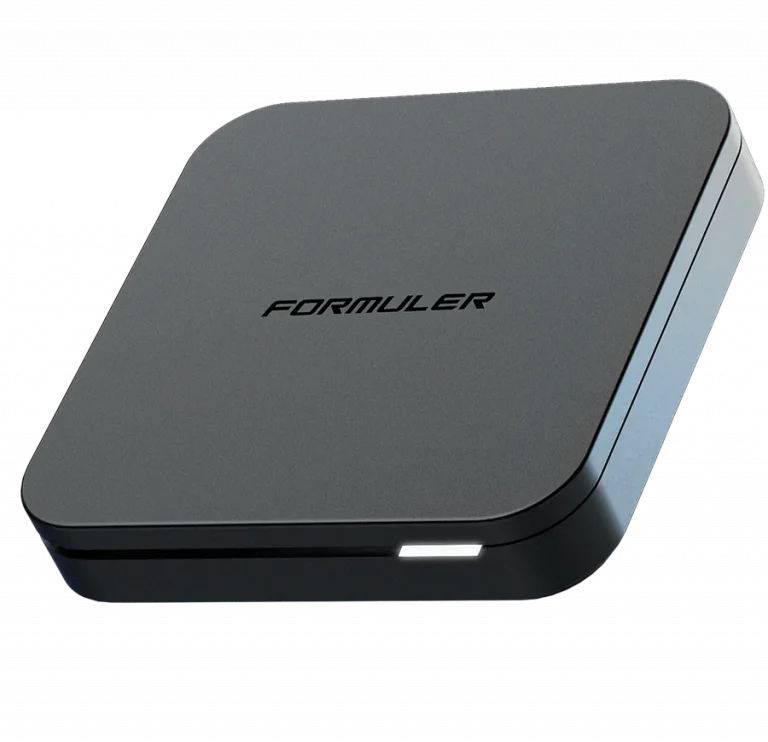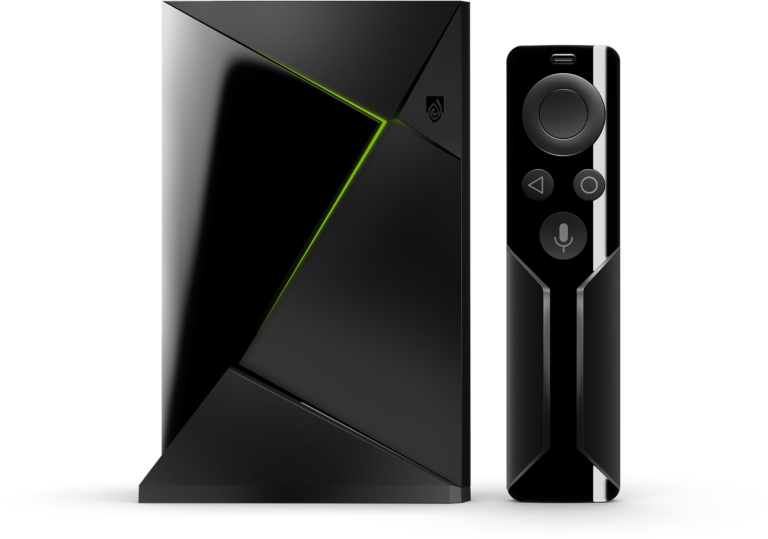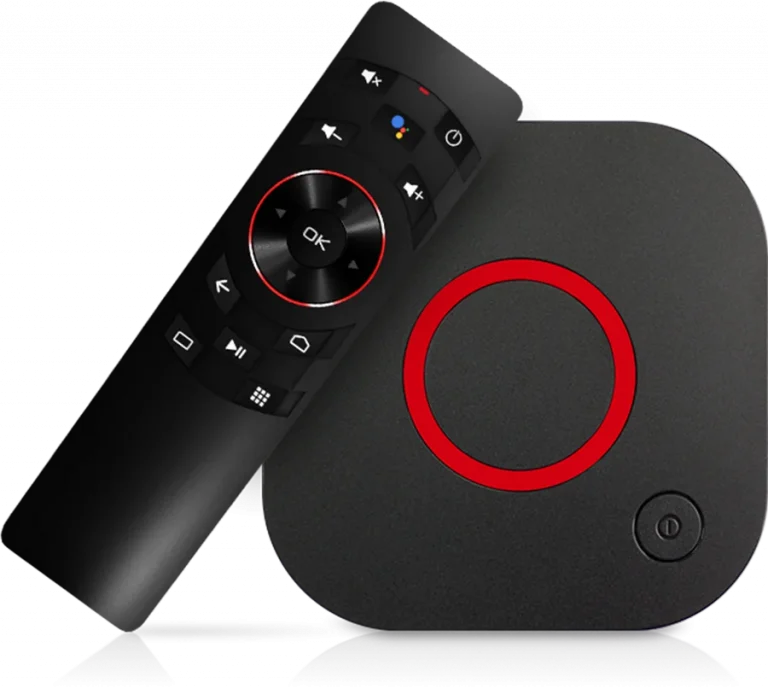

MAG Boxes are purpose-built IPTV devices — no extra apps needed, no sideloading, no complicated setup. Your Trendyscreen subscription connects directly through the built-in Stalker Middleware portal, making it one of the cleanest and most stable streaming experiences available.
🟣 Step 1: Get Your MAC Address
Before connecting to Trendyscreen, you need your MAG Box’s unique MAC address.
- Power on your MAG Box and wait for the home screen to load
- Go to Settings > System Info
- Note down the MAC Address displayed on screen — it looks like this:
00:1A:79:XX:XX:XX - Send this MAC address to the Trendyscreen support team so we can register your device on our portal
💡 Why do we need your MAC address? MAG Boxes connect to Trendyscreen through a dedicated portal URL tied directly to your device’s unique MAC address. This ensures maximum security and stability for your subscription.
🟣 Step 2: Enter the Trendyscreen Portal URL
Once our team has registered your MAC address, here’s how to connect:
- On your MAG Box home screen go to Settings
- Select System Settings
- Select Servers
- Select Portals
- In the Portal 1 URL field, enter the portal URL provided in your Trendyscreen welcome email
- Leave Portal 2 blank unless instructed otherwise by our support team
- Press OK to save
- Go back to the home screen and select Restart to reboot your MAG Box
✅ After restarting, your MAG Box will automatically connect to Trendyscreen and load your full channel list.
🟣 Step 3: Navigating Trendyscreen on Your MAG Box
Once connected, here is what you will find on your MAG Box portal:
📡 Live TV
Browse all 80,000+ Trendyscreen live channels organized by category — Sports, News, Entertainment, International, Kids, and more.
🎬 Video on Demand
Access the full Trendyscreen VOD library — 100,000+ movies and series organized by genre, year, and language.
📺 EPG TV Guide
A full Electronic Program Guide showing current and upcoming programming across all channels — just like traditional cable TV.
⭐ Favourites
Mark your most-watched channels as favourites for instant one-click access every time you turn on your MAG Box.
🟣 Comparison: MAG Box Models
| Feature | MAG 322 / 324 | MAG 420 / 522 |
|---|---|---|
| Resolution | Full HD 1080p | ✓ 4K Ultra HD |
| Processing Speed | Standard | ⚡ High Performance |
| WiFi Built-In | Optional Adapter | ✓ Built-In WiFi |
| Recommended For | HD Streaming | 4K & Heavy VOD Use |
| Trendyscreen Compatible | ✓ Full Support | ✓ Full Support |
🟣 Pro Tips for MAG Box Streaming
📡 Use Wired Ethernet
MAG Boxes perform best on a direct wired ethernet connection to your router. This delivers the most stable and fastest Trendyscreen experience — especially for 4K streams and live sports events.
🔄 Clear Portal Cache
If channels are slow to load or the EPG is not updating, go to Settings > System Settings > Clear Cache and restart your MAG Box. This refreshes your entire Trendyscreen connection.
⏱️ Set the Correct Time Zone
Go to Settings > System Settings > Time Zone and set it to your local time zone. This ensures your EPG TV Guide shows the correct programming times for your region.
🔒 VPN via Router
MAG Boxes do not support native VPN apps. For full ISP throttling protection during live sports and PPV events, set up a VPN directly on your router — your MAG Box will be fully covered automatically.
🔁 Re-enter Portal After Subscription Renewal
After renewing your Trendyscreen subscription, you may need to restart your MAG Box or re-enter the portal URL to refresh your account. Our support team will notify you if any portal details change.
🟣 Troubleshooting Common MAG Box Issues
| Problem | Solution |
|---|---|
| Portal not loading | Double-check the portal URL from your welcome email — no spaces or typos |
| Channels not showing | Confirm your MAC address was sent to Trendyscreen support and registered |
| EPG not updating | Clear cache in settings and restart the MAG Box |
| Buffering on 4K | Switch to wired ethernet and enable hardware acceleration in settings |
| Black screen on channels | Try a different channel first — if widespread, contact Trendyscreen support |
🆘 Need Assistance?
MAG Box setup requires your MAC address to be registered by our team. If you haven’t sent it yet or need any help at any step, contact us now and we’ll get you sorted fast.
👉 Contact Trendyscreen Support: vonwik.io/contact